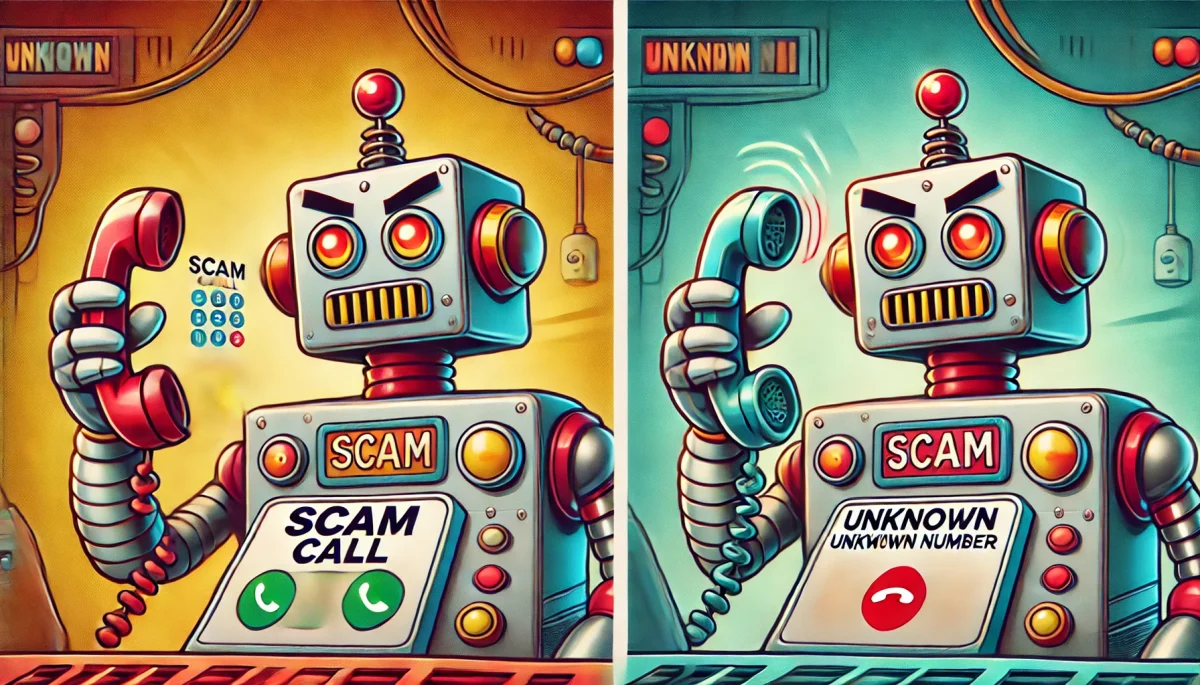
You are browsing the internet. A pop-up covers your entire screen: WARNING - YOUR COMPUTER IS INFECTED WITH 47 VIRUSES. Your heart races. The pop-up says you have 3 minutes to act or your files will be deleted. A phone number is displayed. You call it immediately. An Indian accent greets you with a sense of urgency. "Yes, we see your computer from our security center. It is very bad. You have viruses from Nigeria and China. We will fix it." They ask you to download TeamViewer so they can "remote access" your computer. You do. They spend 20 minutes doing things on your screen—moving the mouse around, opening random folders, showing you "infected files." You cannot see anything infected, but they are professionals and you are panicking. They say: "That will be $499 for the full virus removal." You pay. They delete the pop-up. Your computer "feels" faster (placebo). You feel relieved. You think the problem is fixed. It is not. While they had remote access, they installed three different types of malware: a keylogger (captures every password you type), a screen recorder (records everything you see), and a backdoor access tool (lets them access your computer anytime). By the time you realize something is wrong, they have captured your bank password. They have accessed your cryptocurrency wallet. They have emptied your Paypal. They have opened credit cards in your name. You have paid $499 to give a criminal team complete access to your digital and financial life.
The Tech Support Scam Industry: A $10 Billion Problem
Tech support scams generate $10+ billion annually. They work at all ages and income levels. They are particularly effective against people 55+ (who may be less familiar with technology). But they also target younger people through sophisticated social engineering.
The scam process has not changed much since it was invented in 2012. But the sophistication has increased dramatically. Scammers now:
- Impersonate Microsoft, Apple, Dell, and other tech companies convincingly
- Create authentic-looking pop-ups with official company branding
- Use India-based call centers with thousands of agents trained in English
- Employ psychological pressure and urgency tactics
- Install sophisticated malware that is difficult to detect
- Execute rapid follow-up attacks after establishing remote access
Tech Support Scam Statistics (2025):
- $10 billion estimated annual losses
- Average victim loss: $799 (plus hidden costs from installed malware)
- 1 in 20 computer users will fall victim at some point
- 80% of victims over age 65 who experience scams report tech support scams
- 90% of victims do not realize the hidden malware has been installed
- Follow-up attacks (after malware installation) average $8,000+ in losses
How Tech Support Scams Actually Work
Stage 1: The Hook (Seconds)
Victim is browsing the internet normally. A pop-up suddenly appears covering the entire screen. Pop-up looks like it came from Microsoft or Apple. It uses official logos, colors, and language. It claims: "WARNING - VIRUS DETECTED" or "Your device is infected with malware" or "Your Apple ID is compromised." Pop-up is designed to create maximum panic. Sometimes it includes sound (alarm sounds or voice warnings). Sometimes it locks the browser so victim cannot close the pop-up easily.
Stage 2: The Call
Pop-up displays a phone number: "Call Microsoft Support: 1-800-TECH-FIX" (this is a fake number). Victim calls in panic. Scammer (answering from an Indian call center) impersonates a Microsoft technician. Scammer says: "Yes, we see your device. It is very infected. We need to fix it immediately or you will lose all your data." Scammer establishes urgency. Scammer sounds professional and authoritative.
Stage 3: The Access
Scammer instructs victim to download TeamViewer or AnyDesk (legitimate remote desktop software). Victim downloads. Scammer gains remote access to victim's entire computer. Scammer can see everything on the screen. Scammer can control the mouse and keyboard. Scammer can install software. Scammer can access files.
Stage 4: The Performance
Scammer performs a "diagnostic" of the computer. Scammer opens the Windows Event Viewer (a legitimate Windows tool that shows system messages and errors). Event Viewer is filled with normal error messages (completely harmless). Scammer highlights these and says: "See all these viruses? This computer is very bad. We need to do a full cleanup." Scammer clicks around, opens folders, runs commands. All of this is theater. There are no viruses. But victim cannot tell. Scammer sounds authoritative. Scammer shows "evidence" (the Event Viewer). Victim believes they are being helped.
Stage 5: The Payment
After the "diagnostic," scammer says: "Full virus removal will cost $499. This is urgent. We need to do it now." Victim is panicked and compliant. Victim provides credit card information or arranges a wire transfer. Scammer receives payment.
Stage 6: The Installation
While victim is providing payment information or thinking the "cleanup" is happening, scammer is installing malware in the background. Malware includes: keylogger (records every keystroke), screen recorder (records everything on the screen), backdoor (allows remote access anytime), and password stealer (extracts saved passwords from browser). None of this is visible to the victim.
Stage 7: The Close
Scammer removes the original pop-up (which was fake anyway). Victim feels relief. Scammer says: "Your computer is fixed. We have removed all 47 viruses. Your system is now clean and optimized. Do not call us unless you have problems." Scammer disconnects. Victim believes the problem is solved.
Stage 8: The Real Attack (Hours to Weeks Later)
Scammer waits days or weeks. During this time, the malware is silently collecting data: bank passwords, cryptocurrency wallet logins, email passwords, social security numbers from filled forms. Then scammer sells this data or uses it to:
- Drain bank accounts
- Access cryptocurrency wallets
- Reset passwords on email accounts
- Open credit cards in victim's name
- Apply for loans using victim's identity
By the time victim realizes they are being attacked, weeks of damage have occurred.
Why These Scams Work: The Psychology
Reason 1: Urgency Overrides Skepticism
When you are panicked about a virus, you are not thinking clearly. Your amygdala (panic center) is active. Your prefrontal cortex (thinking center) is offline. You act before you think.
Reason 2: Authority Bias
The scammer impersonates Microsoft or Apple. These are trusted companies. You have been trained to trust software from these companies. When someone claims to represent them, you defer to their authority.
Reason 3: False Performance Creates False Confidence
When scammers open the Event Viewer and show you "infected files," you see something on the screen that appears to validate their story. You do not understand that the Event Viewer shows normal system messages. You just see a technical-looking person doing technical things.
Reason 4: You Cannot Verify The Claim
Even if you are skeptical, how do you verify whether you actually have viruses? You cannot. You do not know enough about computers to verify the scammer's claim. So you defer to the "expert."
Red Flags: How To Spot Tech Support Scams
Major Red Flags:
- Unexpected pop-up claiming virus detection (Microsoft will never pop up warnings on your screen)
- Pop-up includes a phone number (legitimate companies do not include tech support numbers in pop-ups)
- Pop-up cannot be closed (click X button and pop-up stays)
- Urgent language creating fear ("Your data will be deleted" or "Your account has been compromised")
- Pop-up uses official logos but the URL does not match (close the browser tab and check)
- Caller says they can see your computer is infected (they cannot, they are lying)
- Caller asks you to download TeamViewer or remote desktop software
- Caller asks for payment via wire transfer, iTunes card, or Amazon gift card
- Caller threatens to lock your computer if you do not comply
- Caller says Microsoft/Apple will close your account if problem is not fixed
How To Protect Your Computer
Prevention Strategy 1: Browser Awareness
Tech support scam pop-ups are just web pages. They cannot actually harm your computer. When a pop-up appears claiming to detect viruses, remember: the pop-up IS the problem. It is not real. Close the browser tab. Do not call the number. Do not click anything in the pop-up.
Prevention Strategy 2: Ad Blockers and Pop-Up Blockers
Use browser extensions like uBlock Origin or AdBlock to block pop-ups. Most tech support scam pop-ups are ads. If you block ads, you block most scams.
Prevention Strategy 3: Real Antivirus Software
Install legitimate antivirus software (Windows Defender built into Windows is fine for most users). Keep it updated. Run regular scans. If you actually have malware, real antivirus will detect it. You do not need to call anyone.
Prevention Strategy 4: Never Give Remote Access to Strangers
If someone you do not trust asks for remote access to your computer, the answer is always no. Period. Even if they claim to be from Microsoft or Apple. Real companies will never ask for remote access via unsolicited pop-ups or cold calls.
Prevention Strategy 5: Verify All Tech Support Requests
If someone calls claiming to be from a company, hang up. Look up the company's real phone number on their official website. Call that number. Ask if they have a record of calling you. They will not.
If You Have Been Tech Support Scammed
Immediate Actions (Right Now):
- Disconnect your computer from the internet (turn off WiFi and unplug ethernet)
- Do not use your computer for any financial transactions
- Take your computer to a professional technician or Geek Squad
- Tell them: "I allowed a remote technician to access my computer and may have malware installed." They will run malware scans and remove anything malicious.
Medium-Term Actions (Within 24 Hours):
- Change all passwords (from a different device) for important accounts (email, bank, social media)
- Place a fraud alert on your credit file
- Monitor credit reports for unauthorized accounts
- Contact your bank and report the scam
- Report the phone number to Reverse Number Check
- File a report with your country's fraud agency
Long-Term Actions (Next 30 Days):
- Enable two-factor authentication on all important accounts
- Use a password manager to create unique passwords for every account
- Subscribe to credit monitoring service (many are free)
- Consider identity theft protection service
- Monitor financial accounts daily for unauthorized activity
The Reality About Tech Support Scams
Tech support scams are one of the most common and profitable scams because they are easy to execute and psychologically effective. They will not go away. New variations appear every month. But the core principle remains: attackers create panic, you call a number, they gain access to your computer, they install malware.
The defense is simple: never call a number from a pop-up. Never give remote access to your computer based on a pop-up or unsolicited call. If you think you have a real virus, take your computer to a professional technician.
Tech Support Scams Happen Every Second
A pop-up claiming virus detection? That is the scam. Do not call the number. Do not download anything. Close the browser tab. If you get a call claiming to be tech support and you did not initiate contact, use Reverse Number Check to verify the number. Real companies do not cold-call about computer problems.


